Investment detail that matches the 5300
Holdings, amortized cost, accrued interest, maturities, calls, and gains/losses summarized to support the investment lines your credit union reports — backed by the transaction detail underneath each number.
Every quarter, the investment lines on your call report get rebuilt by hand — amortized cost pulled from one spreadsheet, accrued interest from another, MBS factors re-keyed, and then a frantic tie-out to the general ledger before the deadline. FI Investment Tracker produces the call-report support and examiner-ready investment evidence directly from a local-first securities subledger your institution controls, so the numbers come out of the same system that posts them — not out of a workbook nobody fully trusts.
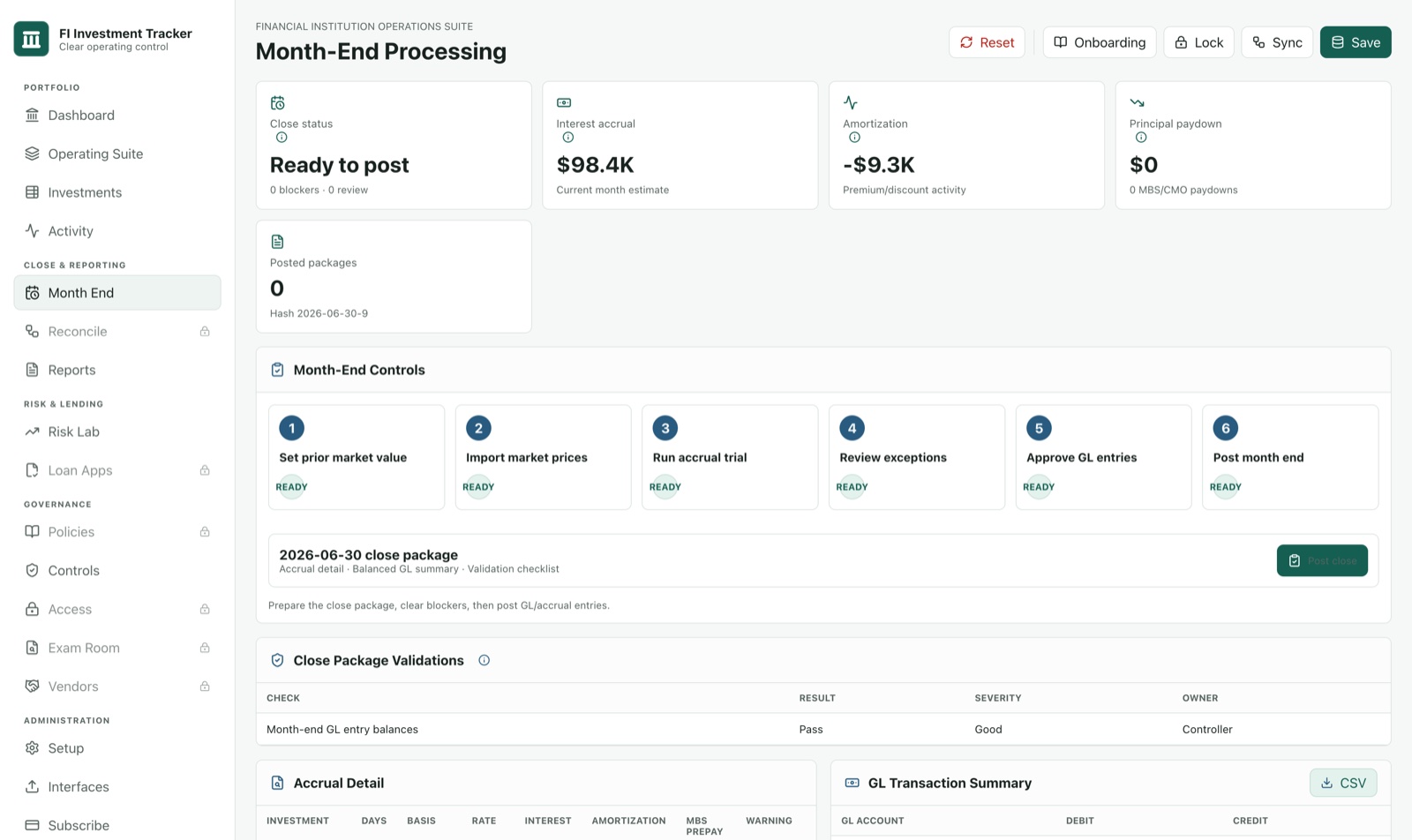
The investment schedules on the NCUA 5300 and the FFIEC RC-B securities schedule are only as good as the spreadsheets feeding them. When amortized cost, accrued interest, and paydown factors live in separate workbooks, every quarter becomes a rebuild: re-key the factors, re-roll the amortization, hope last quarter's formulas still hold, and then explain to an examiner why the support ties to the ledger. FI Investment Tracker keeps all of it in one subledger with a documented month-end close, so the support package is a report you run — not a workbook you reconstruct under deadline.
Holdings, amortized cost, accrued interest, maturities, calls, and gains/losses summarized to support the investment lines your credit union reports — backed by the transaction detail underneath each number.
Amortized cost and fair-value detail organized to support the FFIEC RC-B investment schedule for community banks, with the holding-level breakdown an examiner asks to see behind the totals.
Because the schedule is produced from the same subledger that posts to your general ledger at month-end close, the call-report support ties to the GL instead of fighting it.
Amortization methodology, premium/discount accretion, MBS/CMO paydown, realized gain/loss, and a month-end approval history — the workpapers and audit trail that answer exam and audit questions on the spot.
For the team that owns the investment lines on the 5300 and RC-B.
Your institution files its own call report and is responsible for its filings. FI Investment Tracker produces the investment support and the examiner-ready evidence behind your numbers — it does not transmit the 5300 or RC-B, and it is not regulatory, accounting, or legal advice. You and your auditors remain responsible for classification decisions, fair-value sources, and the accuracy of what you file. What the product gives you is a defensible, reconciled starting point: the same subledger that posts your investment accounting also produces the support package, so the schedule and the evidence trace back to one system of record instead of a stack of disconnected workbooks.
The subledger that produces your call-report support runs on a machine your institution controls, in an encrypted local database — there is no copy of your portfolio sitting on our servers. The installer is code-signed by GRANITE HALL SOLUTIONS LLC, so your IT team can verify the publisher before anything is installed. We're a new company and we say so plainly: no SOC 2 report yet and no wall of customer logos — what we offer instead is an architecture where your sensitive data stays in your building. See Security and Vendor Readiness for the detail your reviewers will ask for, and Company for who builds it.
We recommend starting narrow: import one real source file, close one period with a GL tie-out, and generate one call-report support package on your own numbers. You see the schedule support and examiner evidence come out of your real data before you roll it out across the rest of the close.
Pick a plan, download the signed installer, and produce your next NCUA 5300 / FFIEC RC-B investment support from one subledger you control.